
Follow these 5 simple steps to safely delete account on your Nzubia Applications
Tap on the image to 'ZOOM IN'
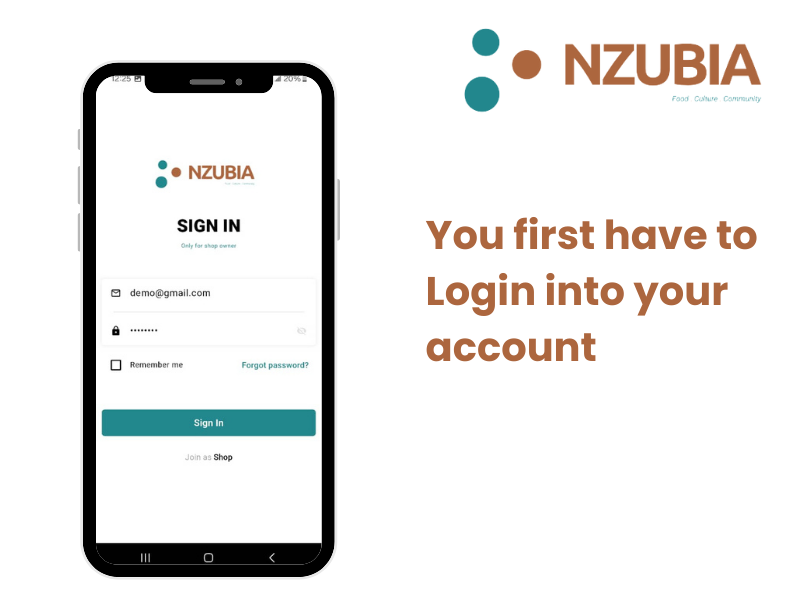
Open the Nzubia Store application and sign in to your account using your credentials(Phone Number or Email)
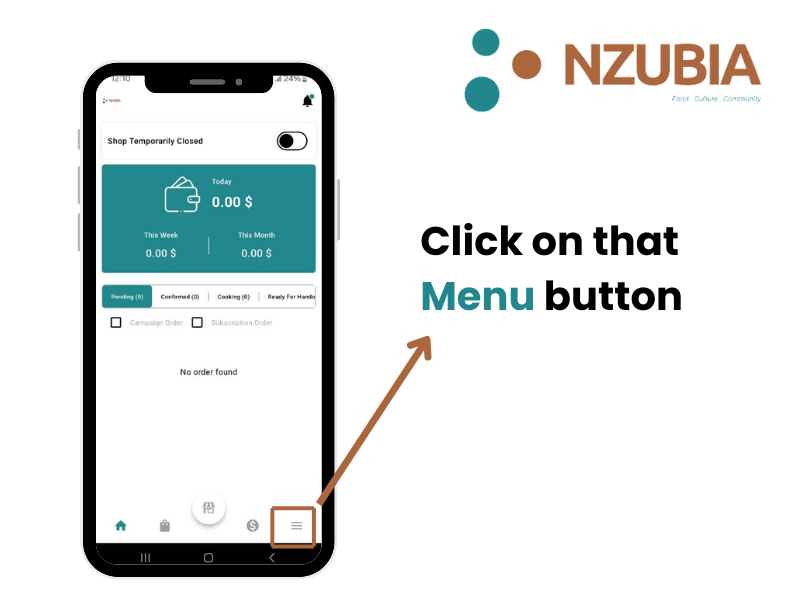
Tap on the menu icon and go to 'Menu Page'
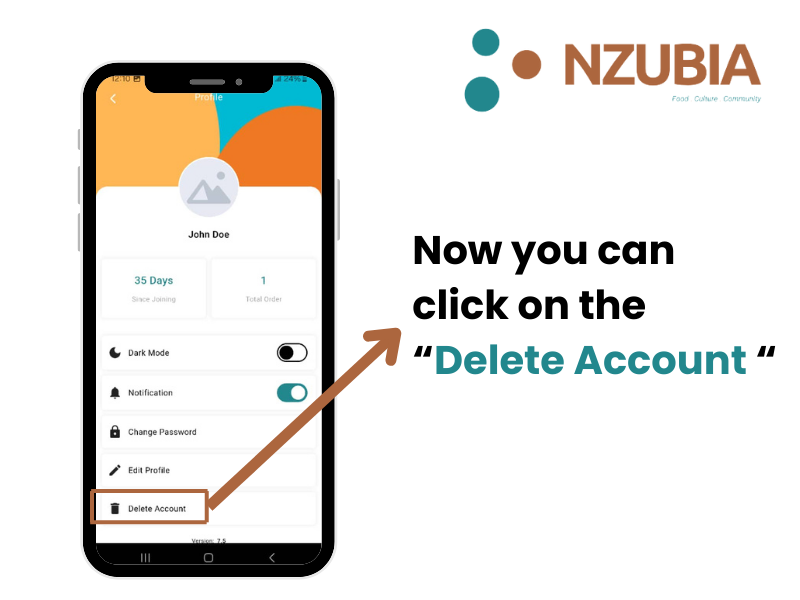
On the Profile page you will see Delete account , click on it.
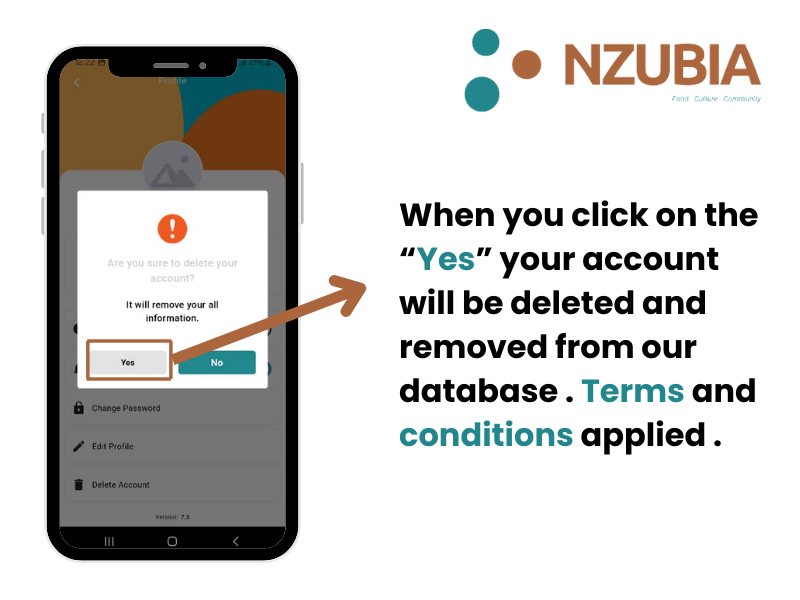
You will get a pop up that will ask if you really want to remove account click on "Yes" .
Your account will delete based on these conditions
1. You don't have any pending order.
2. You don't have any unused wallet balance.
3. You don't have any unused subscription.
4. You don't owe any customer
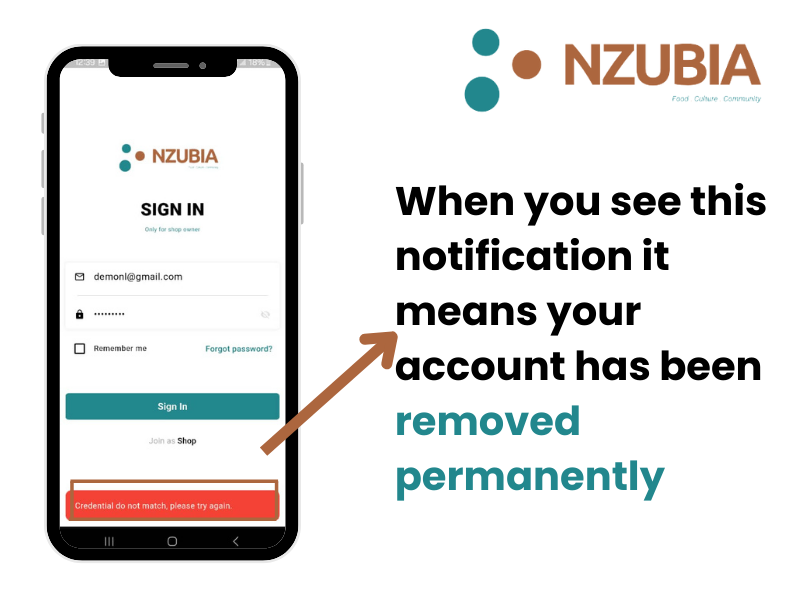
Try to log in again to see your account is still active , if you get credentials not found it means your account has been deleted successfully